Summary
This manual shows you how to use your BG500 blood glucose meter. It will help you get accurate measurements and make the most of your connected experience.
- Setup and daily testing
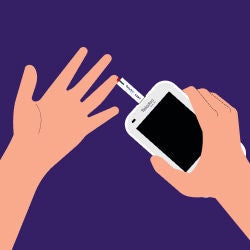
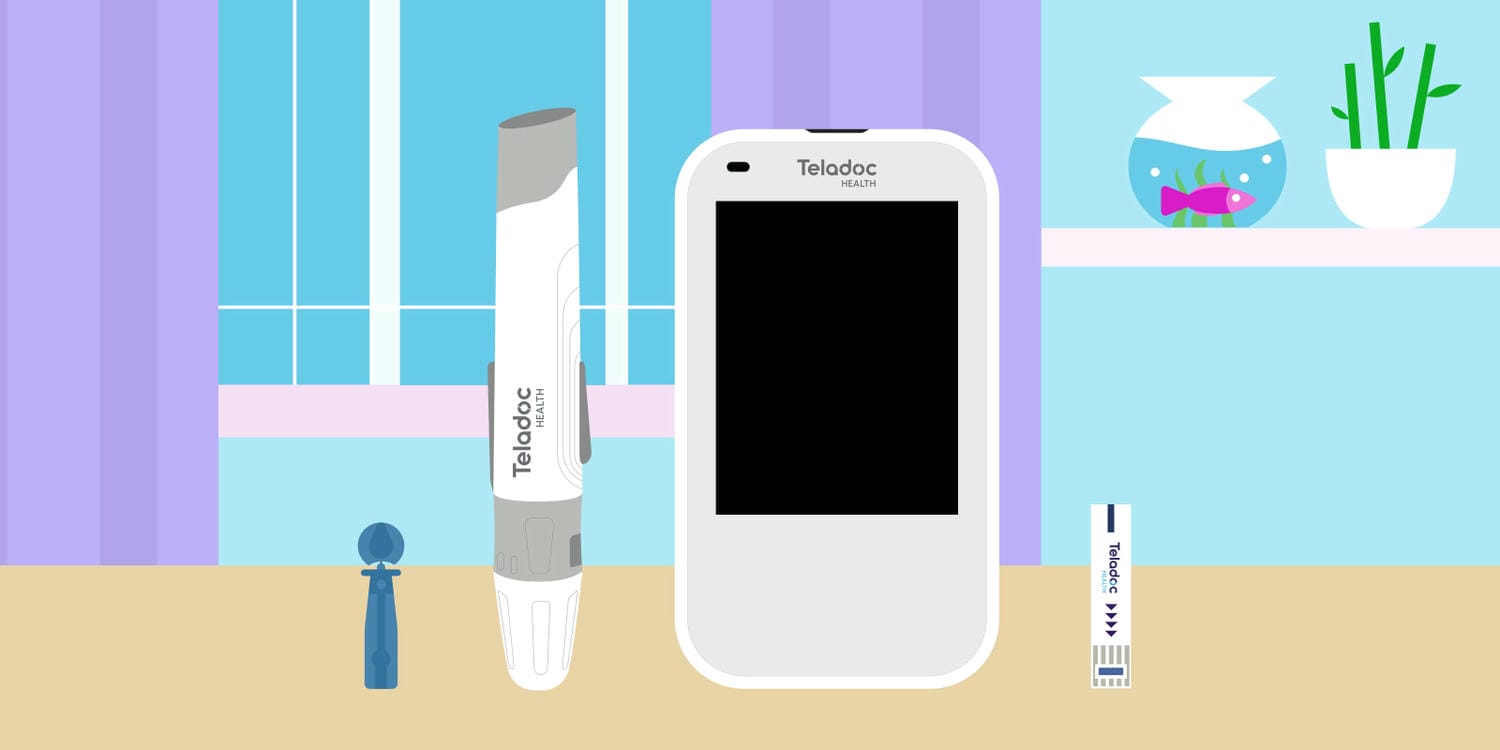
Step-by-step guidance for powering on your meter, inserting test strips, using the lancing device, checking your blood glucose and securely uploading readings to your online account.
- Tracking, insights and sharing
Tools for tagging meals, insulin, carbs and symptoms, viewing trends in the logbook and charts and sharing health reports or reordering test strips directly from the device.
- Maintenance, safety and troubleshooting
Essential information on cleaning and disinfecting the meter, performing control solution tests, charging the battery, resolving error messages and understanding important safety and warranty details.
Still have questions?
Who can use this device?
The device is designed for people with diabetes to use at home. It should not be shared with others.
Can I use test strips I have from another meter?
No. It’s important to only use the test strips provided by Teladoc Health. Do not reuse test strips or share them.
Can I reuse a lancet?
No. Each lancet is intended for a single use. Do not reuse or share.
Can I share my meter with someone else?
No. Sharing it could lead to inaccurate data and transmission of biohazardous material.
How can I charge my device?
The meter will be partly charged when you take it out of the box. Plug it in to fully charge it. Do not charge for more than three hours. A full charge should last for several weeks.
What should I do if I get an error message?
Repeat the test using a new strip and a fresh drop of blood. If the issue continues, contact Member Support.
Can I check my blood glucose if I don’t have a strong wireless signal?
You can. Your results will be stored and automatically transmitted once sufficient signal strength is acquired.
How do I order new test strips?
You can reorder test strips from the meter before you run out of them. When your test strip supply is low, you will get an “Answer on the go” request asking you if you would like to reorder test strips. If you reply “Yes,” a test strip refill will be sent to the mailing address you have set up on your member portal.
Was this article helpful?
FEATURED ARTICLE
A quick guide to using test strips
To use your blood glucose meter, you’ll need to start by learning about your test strips.