Summary
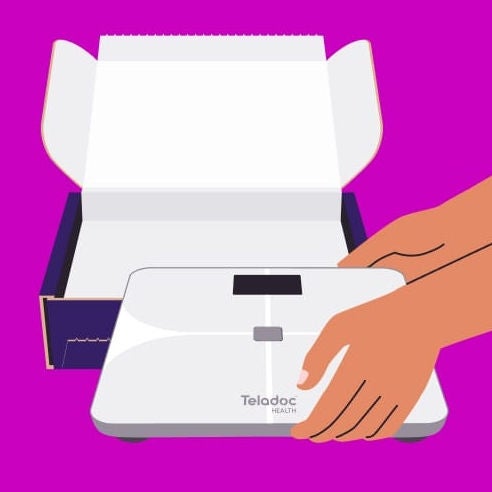
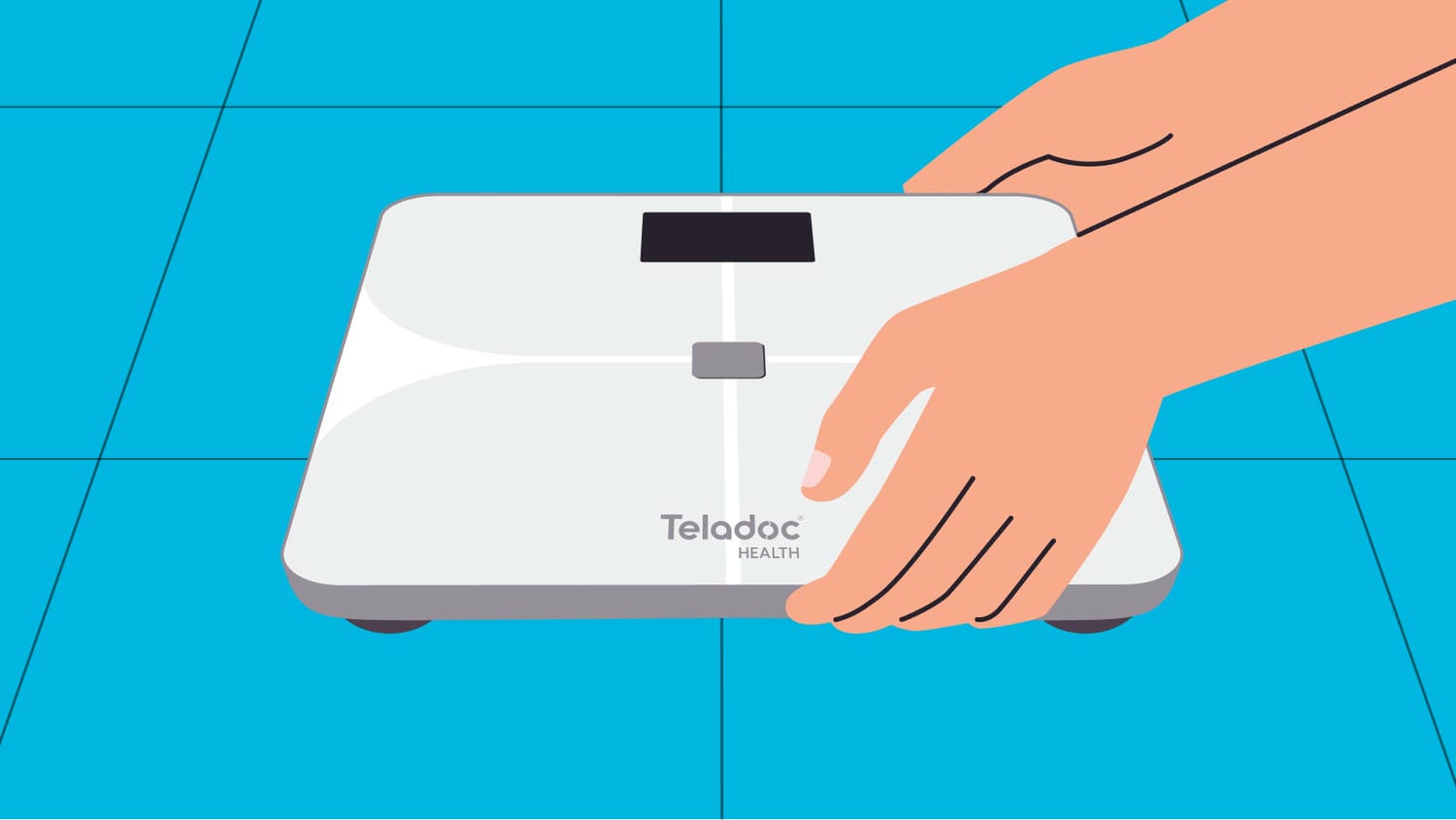
This manual will show you how to use your WM2000 Weight Scale. You'll learn how to take accurate readings and connect your scale so you can get the most out of your health journey.
- Setup and advanced features
How to install batteries, complete your first weigh-in, and connect to the Teladoc Health app to enable body composition measurements (muscle mass and body fat percentage).
- Accurate tracking and troubleshooting
Tips for getting the same reading every time, and easy steps to fix common problems like connection issues, batteries and profile information.
- Safe use and product care
Important safety information, cleaning and maintenance tips, technical specifications and warranty details to help you use your scale confidently.
Still have questions?
Do I need the smartphone app to use the scale?
You can weigh yourself without the app. However, the app makes it easy to track your data, view trends and share results with your care team. For the best experience, we recommend downloading the Teladoc Health app.
How do I turn off the scale?
When you step off the scale, it will power off automatically.
What weight range does the scale support?
The scale measures up to 441 lb.
Why isn’t my weight showing up in the app?
Common reasons include:
- The scale is not connected
- You are out of range of the connection method
- The app is not open or synced
Try reconnecting the scale and ensuring your app is open.
What should I do if the scale won’t turn on?
- Check and replace the batteries
- Ensure batteries are installed correctly
- Tap the scale to wake it up
If it still doesn’t work, contact Member Support.
What should I do if the scale is damaged?
Do not use a cracked or damaged scale. Contact Member Support for further assistance.
Is the scale safe for everyone to use?
The scale is safe for adults to use at home. It is not intended for the diagnosis or treatment of any disease. If you are pregnant or have a pacemaker or other implanted medical device, we recommend you not use body composition features. When you use your scale for the first time, the app will ask you if you’d like to turn on body composition mode. To turn it off, go to your settings page online or in the app. For complete safety information, warnings and instructions, refer to the WM2000 User Manual.
How can I get a scale?
To get a scale, you must qualify for and enroll in the Weight Management or Diabetes Prevention program. Once enrolled, we will ship the scale directly to you.
Was this article helpful?
FEATURED ARTICLE
How to weigh in with your Teladoc Health WM2000 weight scale
Once you’ve received your scale in the mail, you can set it up and complete your first weigh-in.