Get the smart scale that helps you see more

It only takes minutes to check if you qualify for a smart scale that tracks more than weight. Your scale syncs automatically with the Teladoc Health app so you can see your progress over time—at no cost to you.
Features that let you focus on progress

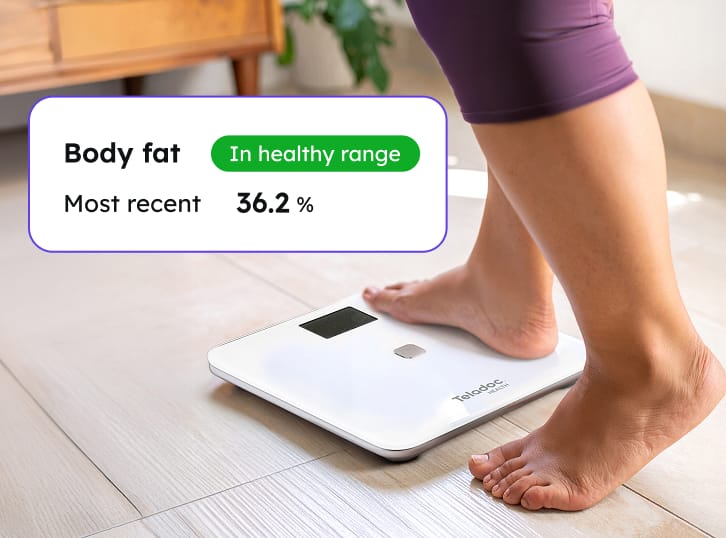
See more than just weight

This smart scale displays your body composition metrics like body fat and muscle mass, so you can get the full picture of your progress. Members must not have a pacemaker or be pregnant in order to use the body composition metrics feature.

Person stepping on scale with inset saying "Body fat: Health Range. Most recent: 36.2%"

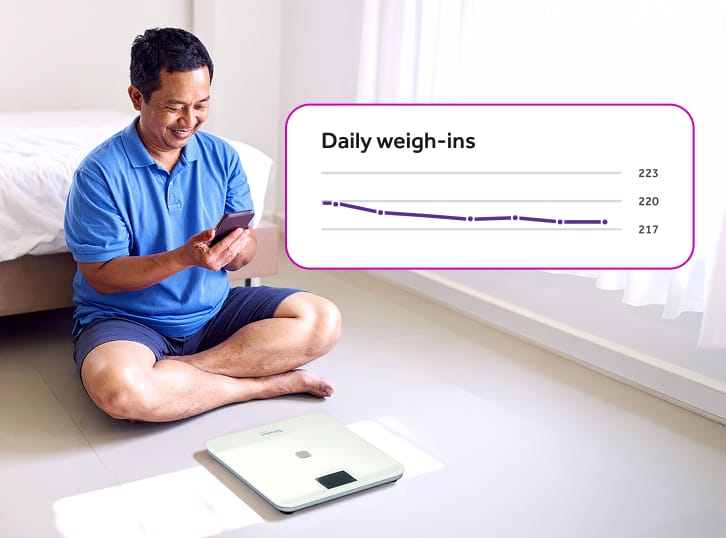
Track patterns over time

Your readings automatically sync to the Teladoc Health app in seconds, so you can easily see trends in your progress.

Man sitting on the floor with a scale looking at a mobile phone with inset saying "Daily weigh-ins" with a line chart

Log meals without the hassle

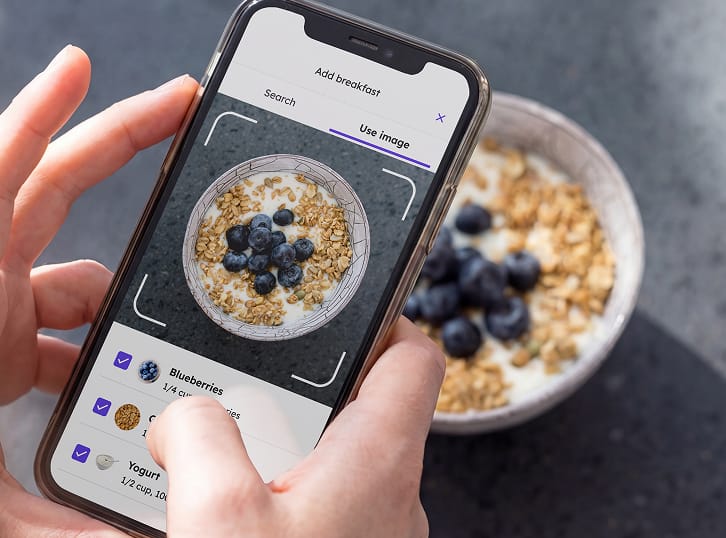
Snap a photo of your meal or scan a barcode, and AI adds nutrition details to the app, so you can track what you eat.

Hands holding a mobile phone taking a picture of a bowl of food

Get your smart scale in three simple steps

Icon with a hand reaching to push a Check eligibility button on a mobile phone

Check your eligibility

Answer a few questions to see if you qualify for our programs.*

Icon with hands holding a purple box from Teladoc Health

We ship your smart scale

If eligible, we’ll send the device directly to you.

Hand holding mobile phone with a check mark on the screen and a screen with charts on it in the background

Activate your device

Step on the scale and sync with your app automatically.

*You must qualify for the Diabetes Prevention Program or Weight Management program to receive a smart scale.

Still have questions?

  • You can weigh yourself without the app. However, the app makes it easy to track your data, view trends and share results with your care team. For the best experience, we recommend downloading the Teladoc Health app.

  • When you step off the scale, it will power off automatically.

  • The scale measures up to 441 lbs.

  • Common reasons include:

    • The scale is not connected
    • You are out of range of the connection method
    • The app is not open or synced


    Try reconnecting the scale and ensuring your app is open.

  • No, this device is intended for one member only. Use of the device by anyone other than the member is a violation of the Terms of Service.

  • If the scale won’t turn on, you should:

    • Check and replace the batteries
    • Ensure batteries are installed correctly
    • Tap the scale to wake it up


    If it still doesn’t work, contact Member Support.

  • Do not use a cracked or damaged scale. Contact Member Support for further assistance.

  • The scale is safe for adults to use at home. It is not intended for the diagnosis or treatment of any disease. If you are pregnant or have a pacemaker or other implanted medical device, we recommend you not use body composition features. When you use your scale for the first time, the app will ask you if you’d like to turn on body composition mode. To turn it off, go to your settings page online or in the app. For complete safety information, warnings and instructions, refer to the WM2000 User Manual.

  • To get a scale, you must qualify for and enroll in the Weight Management or Diabetes Prevention program. Once enrolled, we will ship the scale directly to you.

Progress starts with a single step

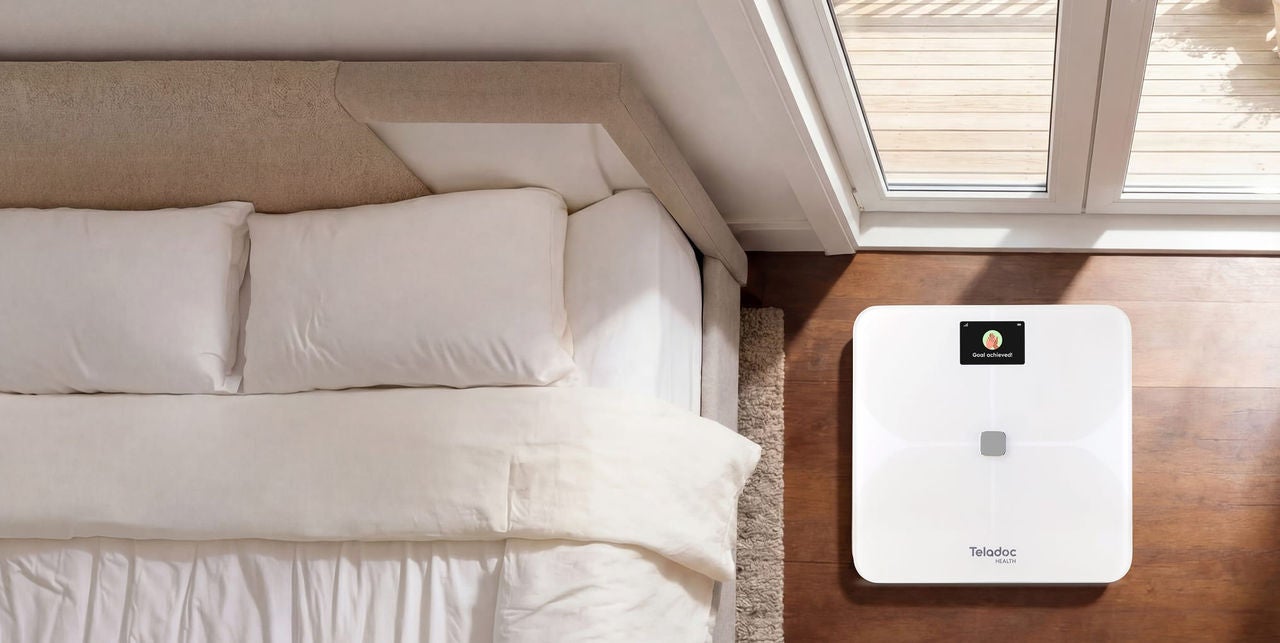
Room with an empty bed with a smart scale next to it on the floor

The device or devices and any components shown are representative examples only. The actual model you receive may be different.

Those who are pregnant, have diabetes or have a BMI that’s lower than the program minimum may not qualify.

Program does not include a phone, tablet or smartwatch.