See what’s behind your blood pressure numbers
Get a connected blood pressure monitor that delivers clinically accurate readings.

Get a connected blood pressure monitor that delivers clinically accurate readings.
Get clinically accurate blood pressure and pulse readings that automatically sync with your app, so you can see trends over time instead of tracking things yourself.
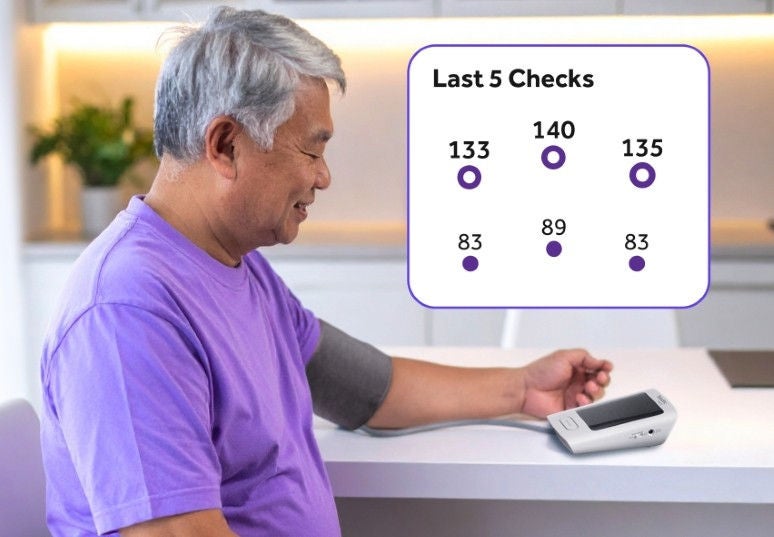
The monitor can take multiple readings back to back and average them, helping you spot more reliable trends and better understand changes in your blood pressure.
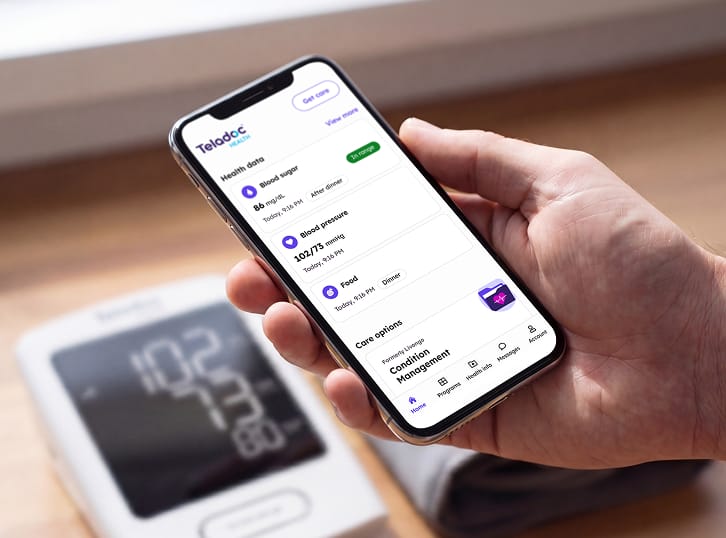
Message a health coach, set goals and access personalized content in the app, so you have guidance and support as you work toward managing your blood pressure.

*You must qualify for the Hypertension Management program to receive a device.
No. The monitor uses built-in cellular connectivity to send readings to your Teladoc Health account. Wi-Fi setup is not required.
The cuff should be snug but comfortable. You should be able to fit one finger under the cuff once it is secured. Position the cuff 2-3 cm (0.8-1.2 in) above the inside of your elbow.
Triple-measurement mode allows you to take three measurements, 60 seconds apart. It then gives you an average of the three readings. Many healthcare providers recommend taking several readings and recording the average. The monitor is in triple-measurement mode when the TRIPLE MODE switch is set to three.
We select cuff size based on your arm circumference and clinical eligibility. This larger cuff may be a better option for you. Having the correct cuff fit ensures you have accurate blood pressure readings. The cuff should fit snugly around your arm, but you should be able to slide one finger between the cuff and your arm.
Possible reasons include:
Try taking another reading near a window or in an area with stronger cellular reception. If the connection is weak, the monitor stores up to 500 readings and uploads them later; watch for the signal and data pending icons.
Check the following:
Once you’ve corrected these issues, repeat the measurement. If the error persists, contact Member Support.
Check that:
No, this device is intended for one member only. Use of the device by anyone other than the member is a violation of the Terms of Service.
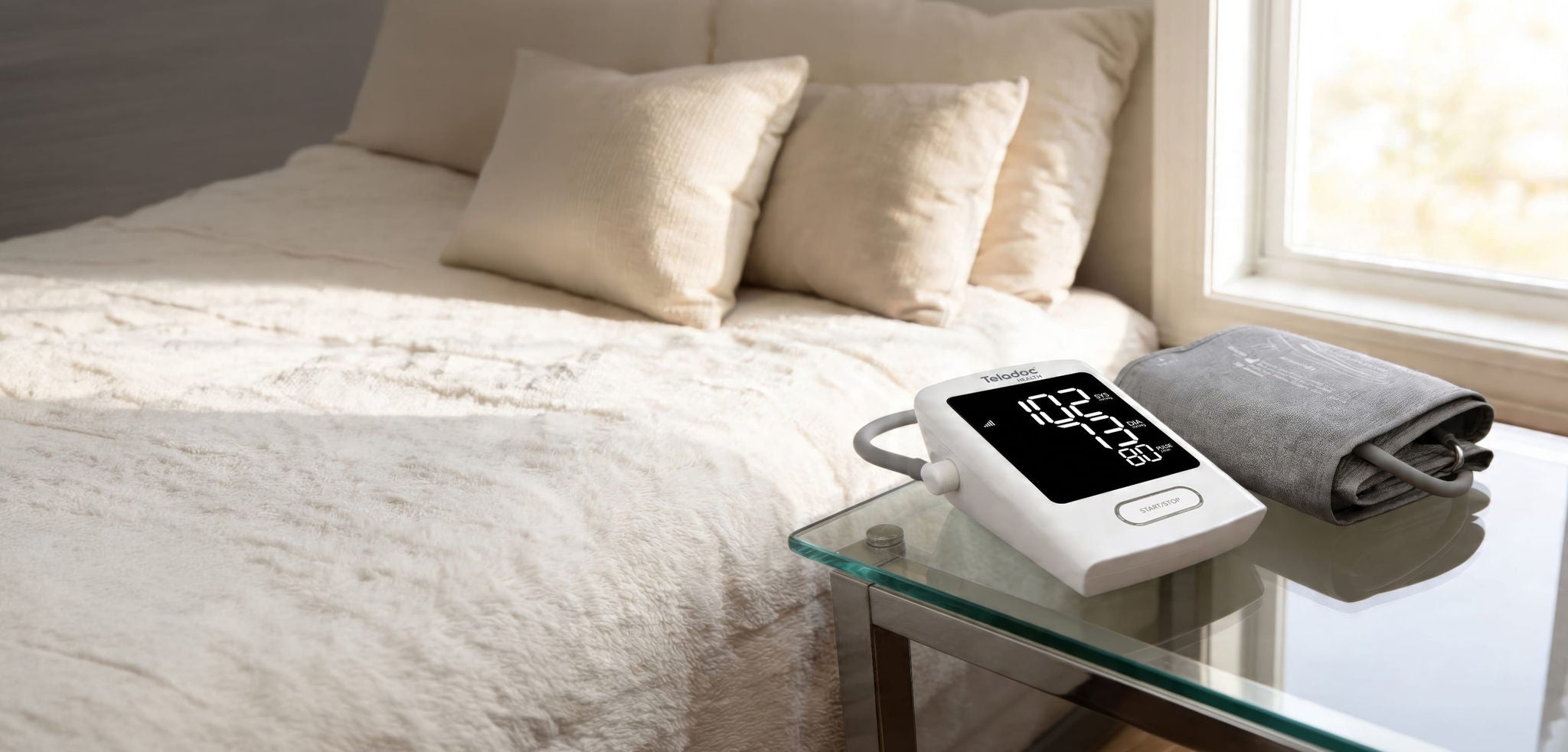
The device or devices and any components shown are representative examples only. The actual model you receive may be different.
Program does not include a phone, tablet or smartwatch.